
09 / Service
Wi-Fi Access Points & Whole-Home Mesh
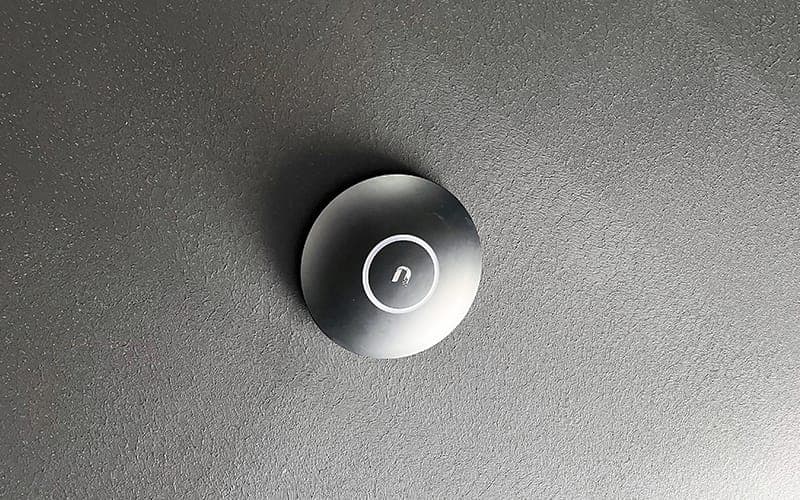
Home Wi-Fi installation done properly. Access points and mesh systems placed where they actually help, so the far end of the house gets the same connection as the room the modem sits in.
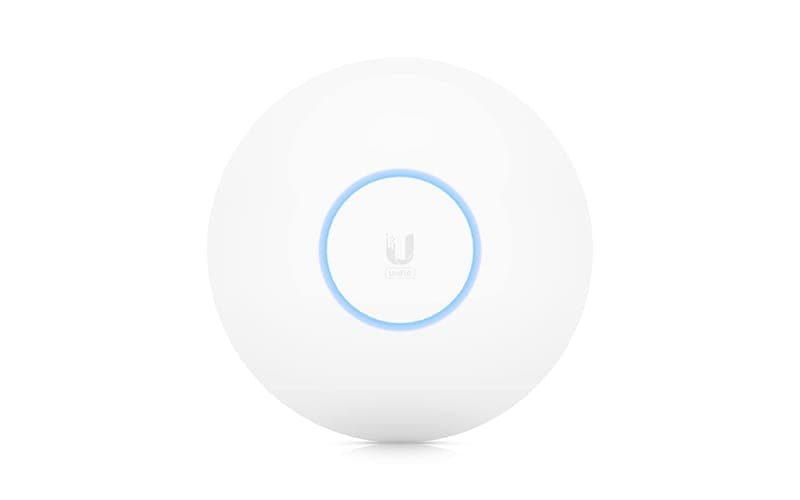
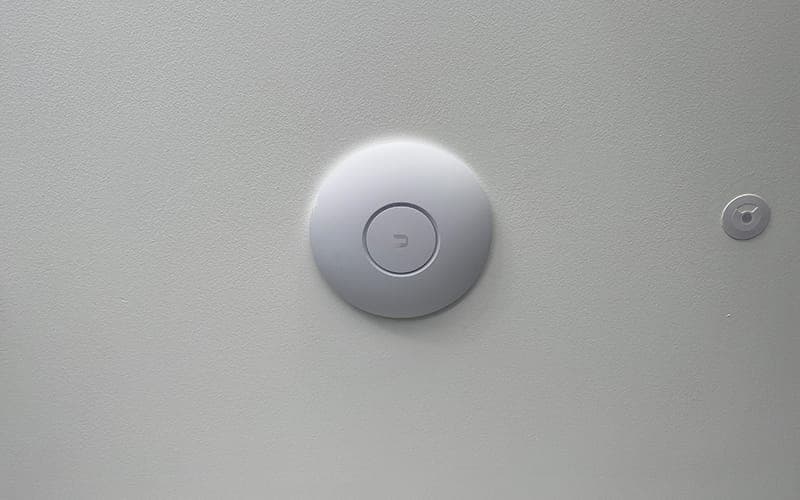
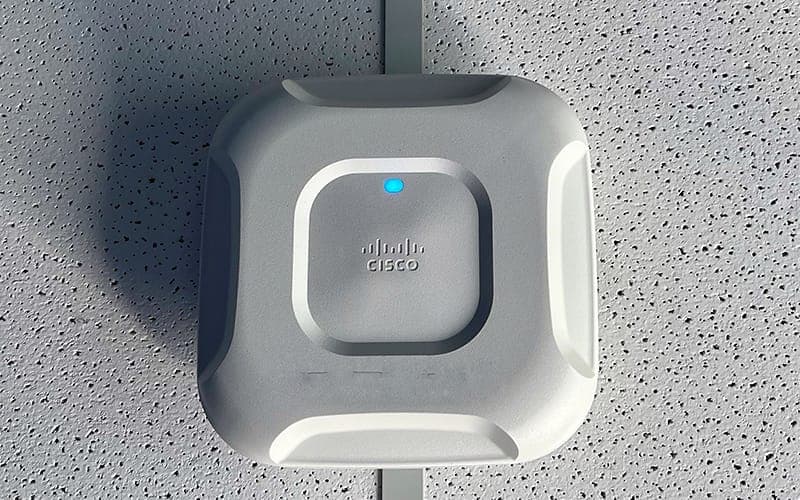
Wi-Fi access points are devices that enable wireless devices to connect to a wired network. They act as a bridge between wireless clients (smartphones, laptops and smart devices) and the wired network infrastructure, transmitting and receiving data to keep the connection stable and fast.
Think of an access point as a central hub that broadcasts a wireless signal, enabling devices within its range to connect to the network. They serve as gatekeepers, managing the flow of data between your devices and the wider internet.
Types of access point
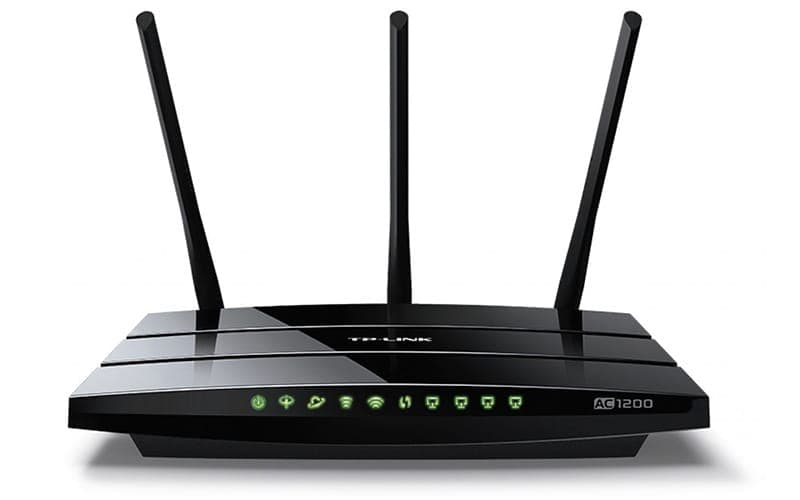
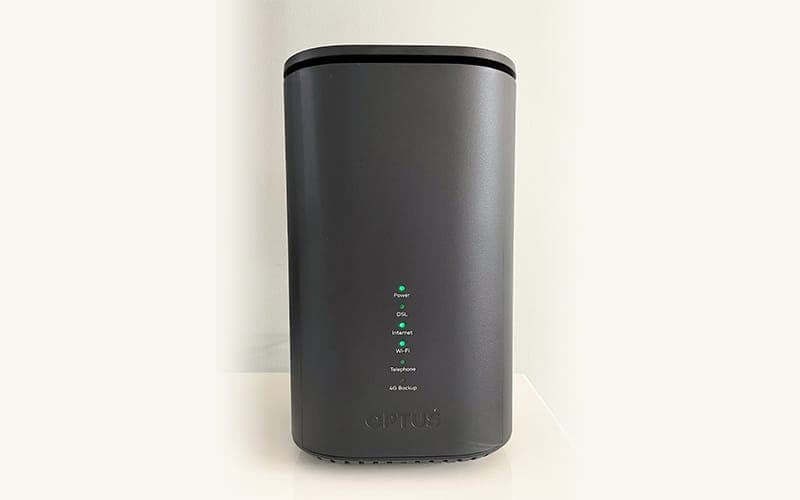
- Home Wi-Fi routers
- A router, switch and access point combined into a single unit, providing coverage within a home or small office setting.
- Outdoor access points
- Built to withstand outdoor conditions, extending coverage to every corner: porch, patio and pool.
- Mesh Wi-Fi systems
- Multiple interconnected access points working together to provide consistent coverage across a larger area. Particularly useful for eliminating dead zones in homes and businesses.
Our access points deliver fast speeds and consistent connectivity for smooth browsing, streaming and communication, with extensive coverage, even in hard-to-reach corners. Whether you're a small household or a growing business, our solutions scale to meet your needs.
Why Sydney houses are hard on Wi-Fi
Double brick. A signal that would cross a modern lightweight house without noticing loses a great deal going through two skins of brick and the cavity between them, and older Sydney homes are full of them: internal double-brick walls, not just external. Add foil-backed sarking in the roof and Low-E glass in a recent renovation, both of which reflect radio as effectively as they reflect heat, and you have a house that is close to a Faraday cage in places.
That is why a bigger router rarely helps. The modem is usually in a corner of the house where the line came in, shouting through the worst walls in the building. Moving the signal source closer to where people actually sit beats making it louder, every time.
Mesh or wired access points
A mesh system talks between its own nodes over the air. That is quick to install and it works well in a lightweight house, but the link between nodes has to pass through the same brick that caused the problem, and on cheaper dual-band systems it also shares airtime with your devices, which halves throughput at the far node before anyone has done anything.
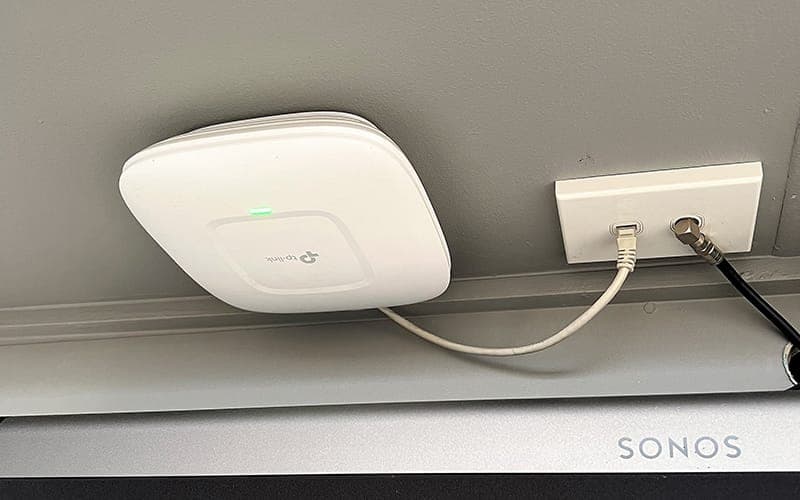
Wired access points take an ethernet cable each and hang off the network rather than off each other. They cost more to install because someone has to run the cable, and in a double-brick house they are the difference between a system that works and one you keep apologising for. Where a run genuinely cannot be made, mesh with a good tri-band unit is the right compromise and we will say so.
Common questions
- Why doesn't my Wi-Fi reach the back of the house?
- Usually because the modem is in a front corner and there is double brick between it and where you are sitting. Signal falls away with distance and gets absorbed by brick, foil sarking and Low-E glass, all of which Sydney houses have plenty of. The answer is a second source of signal closer to the far end, not a stronger one at the same end.
- Will a Wi-Fi extender or booster fix it?
- Sometimes, and it is the cheapest thing to try before spending real money. The catch is that a plug-in extender repeats whatever it receives, so if you place it where the signal is already weak it faithfully rebroadcasts a weak signal, and many of them halve your speed in the process. It is a reasonable patch for one stubborn room and a poor foundation for a whole house.
- Mesh or wired access points?
- In a lightweight or single-storey house, a good mesh system is quick and genuinely effective. In double brick, which is most of the older Sydney housing stock, wired access points win clearly, because the mesh link between nodes has to fight through the same walls that caused the dead spot. If we can get a cable there, we will recommend cable.
- How many access points does a house need?
- Fewer than most people expect if they are in the right places, and more than one if the house is double brick or over two levels. A typical Sydney family home lands at two or three, positioned centrally and mounted high rather than sitting on a shelf behind a television. We survey with a meter rather than guess, because guessing is how houses end up with five and still have a dead spot.
- Do access points need cabling?
- Yes, and that is the trade-off. Each one takes an ethernet run back to the switch, which usually also powers it over the same cable so there is no plug needed at the ceiling. If you are renovating or building, running that cable before the walls close up costs a fraction of what it costs afterwards, which is the whole argument of our pre-wiring page.
- Will it fix the video doorbell and the security cameras too?
- Very often, because they are usually the first things to suffer. A doorbell sits at the front of the house on the weakest corner of the network, which is why notifications arrive late. Putting a proper access point within reach of the door, or hard-wiring the camera where the run allows, fixes what looks like a faulty device.
Request a free quote
Tell us what you need and Ray will come back to you with a price. No obligation. Fields marked with an asterisk are required.
Recent jobs
7 photos
Customer reviews
What customers say about Ray.
Ray was great and discussed what he found and could be done. Excellent for communicating.
Kendall
Rydalmere, NSW
Professional and knowledgeable. Very happy with the work done.
Adam
Narraweena, NSW
Very helpful and a great job.
Craig
North Parramatta, NSW